
As an Amazon Associate, Gizmochina earns from qualifying purchases. Links on this page may earn us a commission at no extra cost to you.
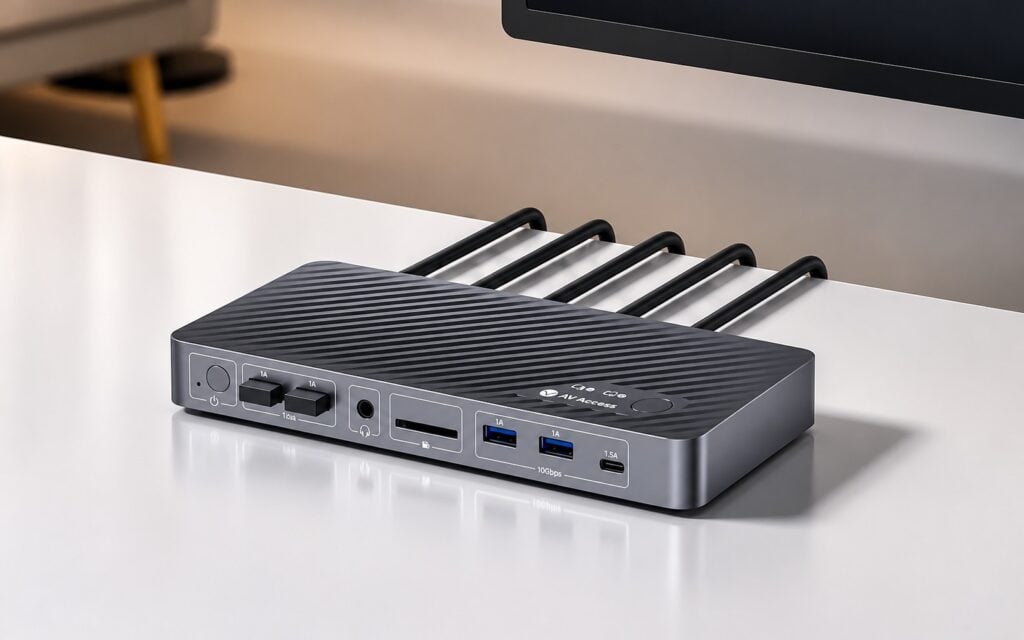
AV Access has introduced the iDock B12, a KVM docking station designed to manage two computers from a single desk setup. It costs $299.99, currently listed at $254.99, and consolidates dual monitors, USB accessories, and a wired network connection into one unit. Instead of manually swapping cables, you can switch between a laptop and a desktop computer by simply pressing a button.
AV Access iDock B12 Specifications
If you use the same desk for both a work laptop and a personal desktop PC, the device is built to streamline that configuration. Your desktop connects to the dock via DisplayPort 2.0 and HDMI 2.1 inputs.
Your laptop connects through a single USB-C cable, which handles video output and data transfer while providing up to 100W of power delivery to charge the battery. To switch inputs between the two machines, you can use a button on the top of the dock or a wired remote that comes in the box.
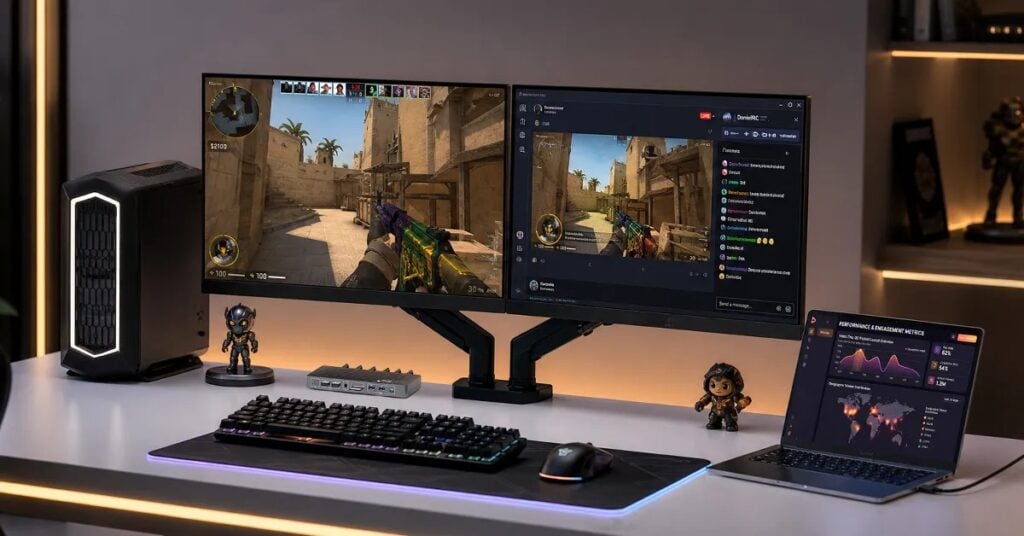
For video output, the iDock B12 supports two monitors using one HDMI port and one DisplayPort. Depending on your connected computer’s hardware, the dock supports resolutions and refresh rates up to 8K at 60Hz, 4K at 165Hz, or 1080p at 480Hz.
It also supports Variable Refresh Rate (VRR) standards like G-Sync and FreeSync, which is a standard requirement if you are routing a gaming PC through the switch. It is worth noting that the device does not support EDID emulation.
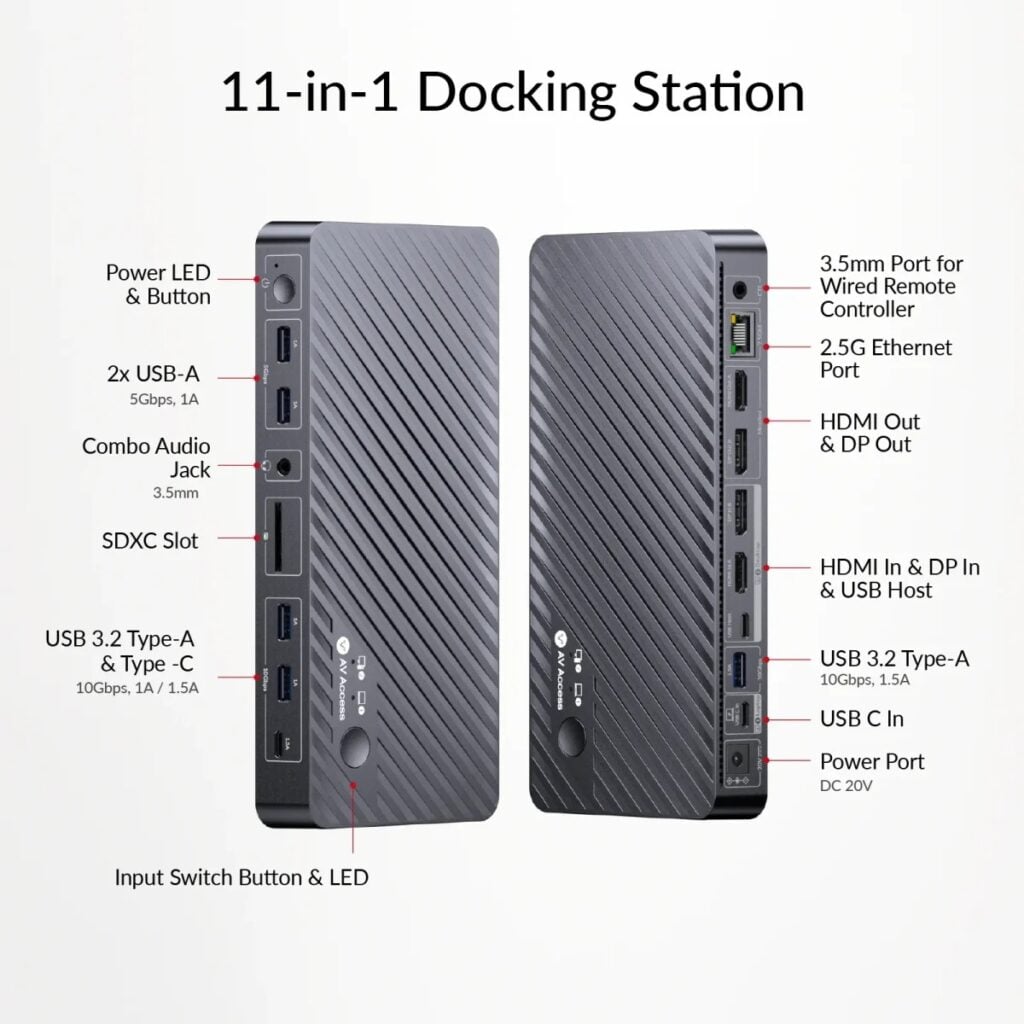
The dock includes 11 ports in total. It features a 2.5GbE Ethernet port, which shares a single wired internet connection with whichever computer you currently have active. The front and rear panels house the remaining connections: three 10Gbps USB-A ports, two 5Gbps USB-A ports, a 10Gbps USB-C port, an SDXC card reader, and a 3.5mm audio jack.
If you use a Mac, there is a specific compatibility note to keep in mind. Because macOS does not support USB-C Multi-Stream Transport (MST), connecting a MacBook to the dock’s laptop port will only mirror the display across both external monitors.
Extended dual displays over a single USB-C connection work on Windows laptops, which can output up to dual 4K at 60Hz. If you need extended dual displays for a Mac, you will need to look at alternatives, such as the company’s iDock M10 model.
In related news, Baseus has recently unveiled the Spacemate RD1 Mini Dock, a 10-in-1 docking station featuring a built-in smart display and support for dual 4K monitors at 60Hz.
FREE DAILY NEWSLETTER
Joel Explains
What matters in phones and gadgets, before it reaches you. From Gizmochina’s editor-in-chief, every morning.
Join 1,500+ readers. One email a day, unsubscribe in one click.




Comments