
Add GIZMOCHINA on Google:
Owners of Apple’s first foldable iPhone are running into a pretty annoying limitation: if you want to change how big the text and icons look, you have to wipe the entire phone and start over.
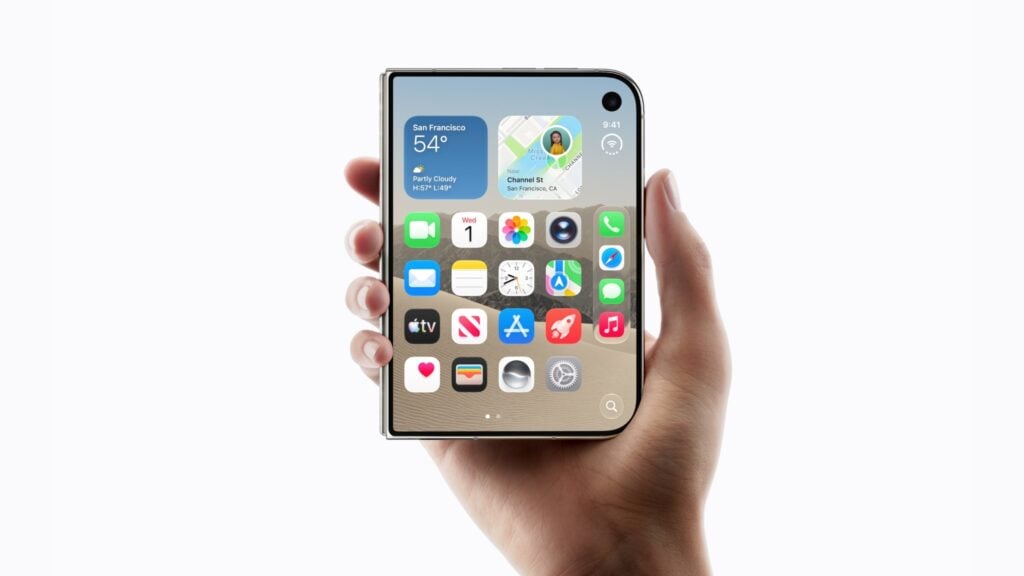
During the initial setup on the iPhone Duo, you get an “Appearance” screen with three options: Default, Medium, or Large. These options control the size of text and system icons. On every other iPhone, you can change this Display Zoom setting whenever you want in Settings. On the Duo, that option simply vanishes once setup is done.
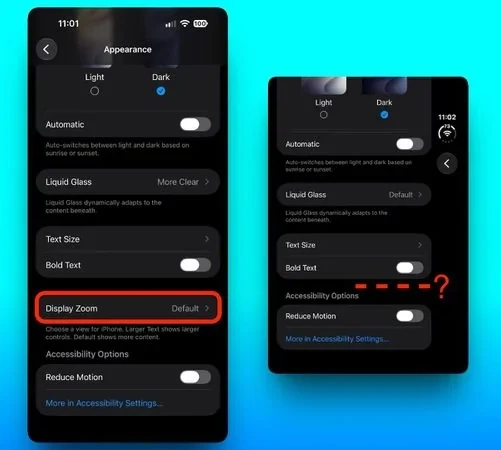
The issue first popped up on Reddit and was later covered by MacObserver and MacRumors. One user, u/earthdog, reached out to Apple Support, and a senior advisor confirmed there’s currently no menu or toggle to change the scaling after the initial choice. The only way around it is to erase all content and settings, restart the phone, and go through the whole setup process again so the Appearance options reappear.
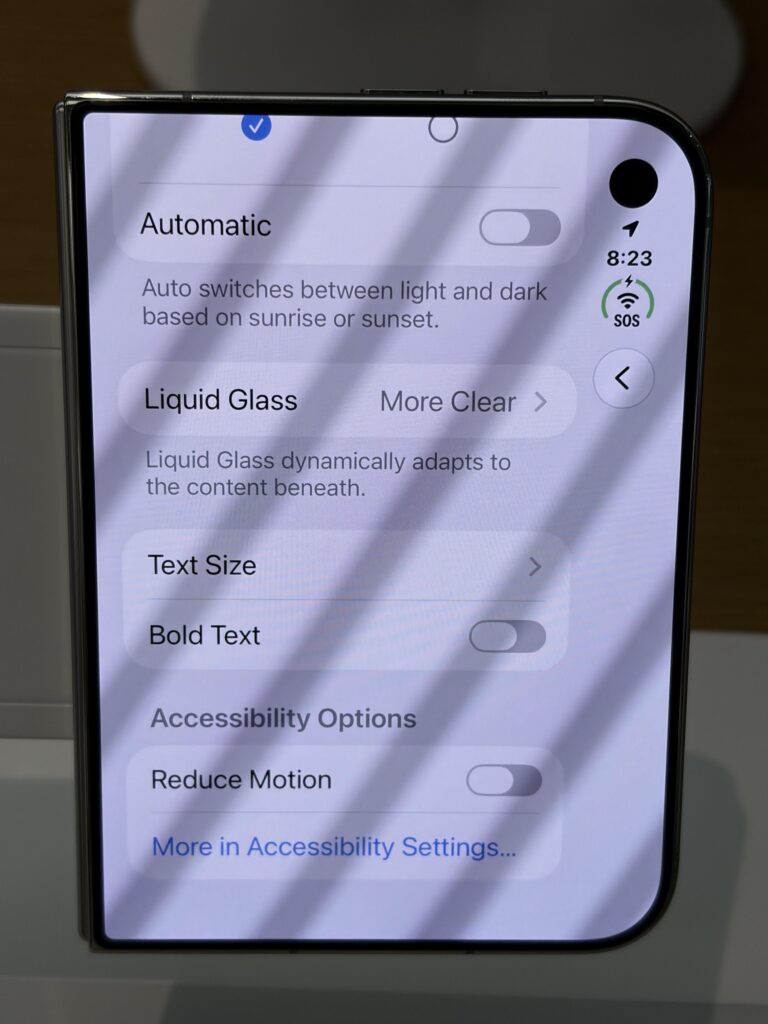
MacRumors checked and found the Display Zoom control is still missing even on the latest software, iOS 27.2. This restriction only affects the foldable model. It’s not clear yet whether Apple deliberately locked the setting (maybe because of the folding display) or if it’s just a software bug. Outlets have asked Apple for comment, but so far the company hasn’t said whether the option will come back in a future update.
For most people who are happy with their first choice, this might not be a big deal. But if you later decide you’d rather have bigger or smaller elements on screen, after using the phone for some time, you’re stuck with a full reset that wipes apps, data, and all your personalization.
(Source: Reddit)
Read more
- iPhone Duo vs iPhone 18 Pro Max: $2,000 Foldable or Smarter Buy?
- iPhone Duo vs Huawei Mate XT 2 Ultimate: Apple vs the Wildest Foldable Yet
- Apple responds to iPhone Duo screen cracking reports, says only “a small number” of units are affected
For the latest stories, visit our News section.
New: Gizmochina is now on WhatsApp. Follow our WhatsApp Channel for the day’s top stories.
You can also join our Telegram community or get Gizmochina Daily, our morning newsletter with our take on the day’s news.
FREE NEWSLETTER
Get Gizmochina Daily
Every morning: the phone and gadget news that matters, with our take. 4 minutes.




Comments